User guide
Reports and sharing
Build a report, freeze it as an immutable snapshot, read the provenance labels, and share it with a client.
A report in Brandora is a definition plus a set of frozen snapshots taken from it. The definition is the question; a snapshot is one dated, immutable answer you can export, hand to a client, and later prove was not edited. This page covers building one, what a snapshot actually freezes, how to read the provenance labels, and how a share link is scoped and ended.
Definitions and snapshots
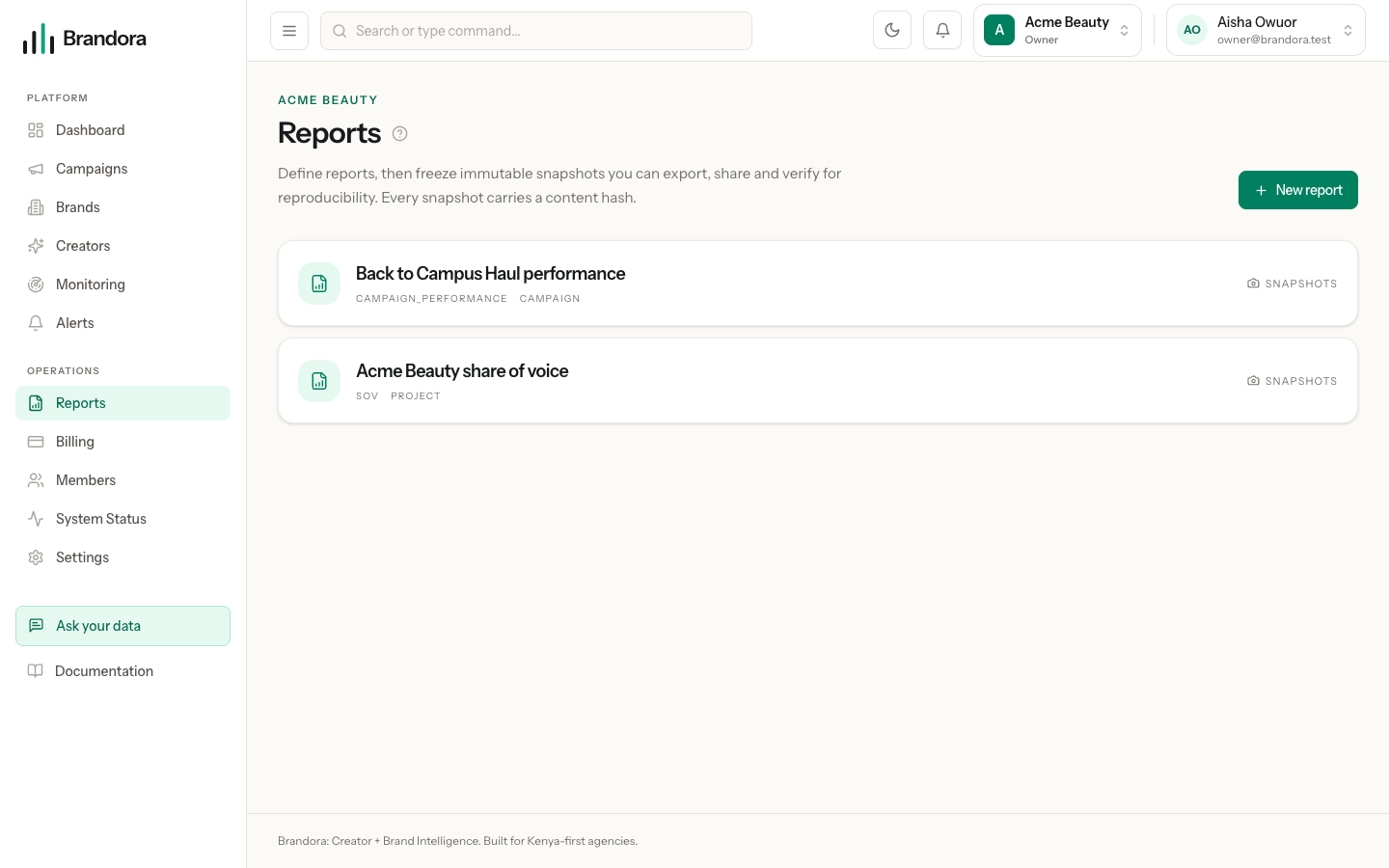
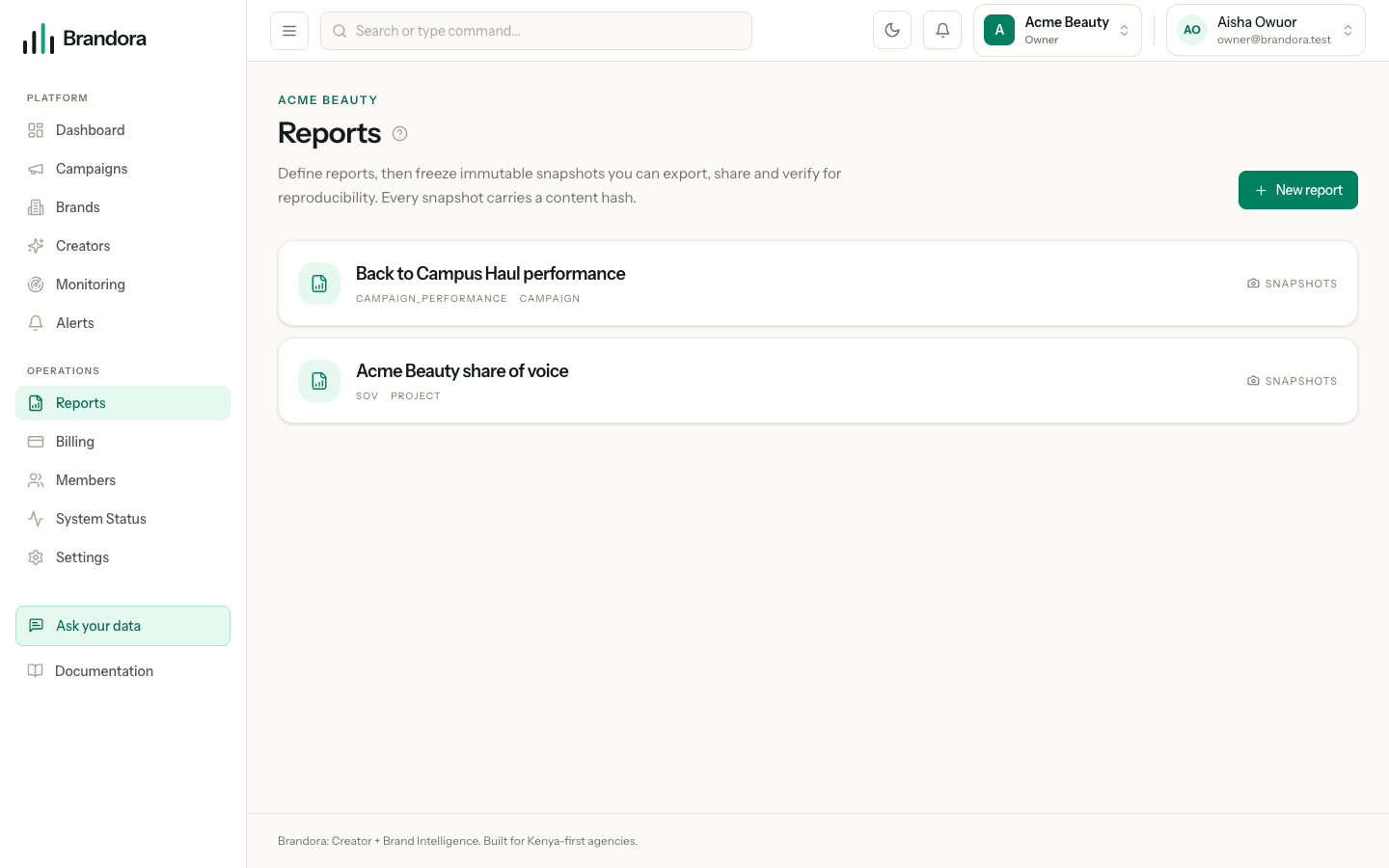
Open /reports. A report definition holds a name, a type and a scope. It stores no figures at all: it is the instruction for computing them.
A snapshot runs that instruction once, stores the result, and stamps it with the time and a content hash. Nothing in the product can edit a snapshot afterwards. There is no update endpoint, no edit control, and no recompute-in-place: the only way to get newer figures is a new snapshot beside the old one. That is what makes a report you sent a client in March still say in June exactly what it said in March.
Creating definitions and snapshots needs the MANAGER role or above. Anyone from VIEWER up can open and export what already exists.
Building a report
New report asks for four things:
- Name. What it is for, in your own words.
- Type. Monitoring summary, Share of voice, or Campaign performance.
- Scope. Whole organization, a monitoring project, or a campaign.
- Scope target, when the scope is a project or a campaign.
Campaign performance reports have a second, easier route. On a campaign's Analytics tab, Export PDF and Share each create a campaign performance report scoped to that campaign, freeze a snapshot of it, and hand you the PDF or the link in one step. This is the route that produces the full analytics report, and it is the one to use when a client asks how a campaign did.
What a snapshot freezes
| Report type | Frozen figures |
|---|---|
| Monitoring summary | Total mentions for the project, its share of voice, and the count of positive, neutral and negative mentions |
| Share of voice | The same payload as a monitoring summary today |
Campaign performance, created from /reports | Deliverable total, deliverables completed, completion rate, and the campaign budget with its currency |
| Campaign performance, created from a campaign's Analytics tab | The whole campaign analytics payload: totals, per-platform breakdowns, the activity series and per-creator performance, each figure carrying its own provenance |
Two things surprise people. A monitoring snapshot counts every mention the project has ever collected rather than a date window, and its share of voice compares that count against every mention in the workspace, not only against the competitors on that one project. And the snapshot viewer renders campaign performance reports in full; open a monitoring or share of voice snapshot and it tells you the type cannot be displayed yet, so read those through the CSV export.
Provenance labels
Every figure in a campaign performance report is labelled with where it came from. Nothing is presented as verified unless it genuinely is.
| Label | Means |
|---|---|
| Verified | First-party, from an account the creator connected and authorized |
| Licensed | From a licensed data provider |
| Public | From a public source |
| Estimated | Modelled or inferred, not measured |
| Manual | Entered by a person |
| Unavailable | There is no figure. It is shown as unavailable, never as zero |
That last row matters more than it looks. A missing first-party metric is never quietly replaced by an estimate, and it is never rendered as a zero, because a zero and a blank mean opposite things to a client reading a report.
Everything on a monitoring or share of voice snapshot is a provider estimate, including sentiment. Say so when you send one.
Proving a snapshot is what it was
Each snapshot carries a content hash: a SHA-256 of its data, canonicalized so key order cannot change the result. The hash is shown, shortened, on the snapshot row.
Verify recomputes the report from today's data and compares the two hashes. A match means the report would come out identically today: it is reproducible. A mismatch means the underlying data has moved since the snapshot was taken, which is the ordinary outcome for a live monitoring project and not a fault.
Verify never changes the snapshot. It compares and reports, and both hashes are shown so the result is checkable.
Sharing with a client
Share link on a snapshot mints a token and returns a public URL. Three things about it are worth knowing before you paste it into an email.
- It is shown once. Only a hash of the token is stored, so nobody, including Brandora, can show it to you again. Copy it when it appears.
- It expires. Seven days by default. The API accepts anything from one to 365 days on the
expires_in_daysfield if you need a different life. - It replaces the previous link. Minting a new link for the same snapshot overwrites the stored token, so any link you shared earlier for that snapshot stops working immediately. That is also how you end access early: mint a new link and do not send it.
The link opens a standalone page with no workspace navigation, no sign-in, and nothing about your organization beyond the report. The recipient can read the report and download it as a PDF. They cannot browse to anything else, comment, or see any other snapshot. An expired link shows "This link has expired" and a valid-looking but unknown token shows "This link is not valid": neither reveals anything about the report behind it.
Warning: A share link is a bearer credential. Whoever holds the URL can open the report until it expires. Send it to the person who needs it, not into a group channel that outlives the campaign.
Exporting
| Export | Produces | Available on |
|---|---|---|
| CSV | A flat, two-column key,value file of the frozen data, with nested values flattened to dotted keys | Any snapshot |
| A rendered report document | Campaign performance snapshots, in the app and from a share link |
The CSV is the frozen snapshot, not a live query, so exporting the same snapshot twice gives identical files. Both exports are authorized by your session; the shared PDF is authorized by the share token instead, which is why a client can download it without an account.
Choosing between a snapshot and a share link
Freeze a snapshot whenever a number is about to leave the building: a client update, an internal decision, a wrap report. It costs nothing, and it means the figure you quoted stays quotable.
Send a share link when the recipient benefits from the interactive report and its charts. Attach the PDF instead when the report is going into an email thread, a deck, or an archive that has to outlive a seven day link.