User guide
Campaigns and briefs
Create a campaign, write the brief, set objectives and budget, and assign the creators who will deliver it.
A campaign is the operational record for one piece of paid creator work: the brand it runs for, the brief that defines it, the budget behind it, and the creators contracted to deliver it. This page covers creating one, writing its brief, setting its budget, and assigning the creators who will do the work.
Where campaigns live
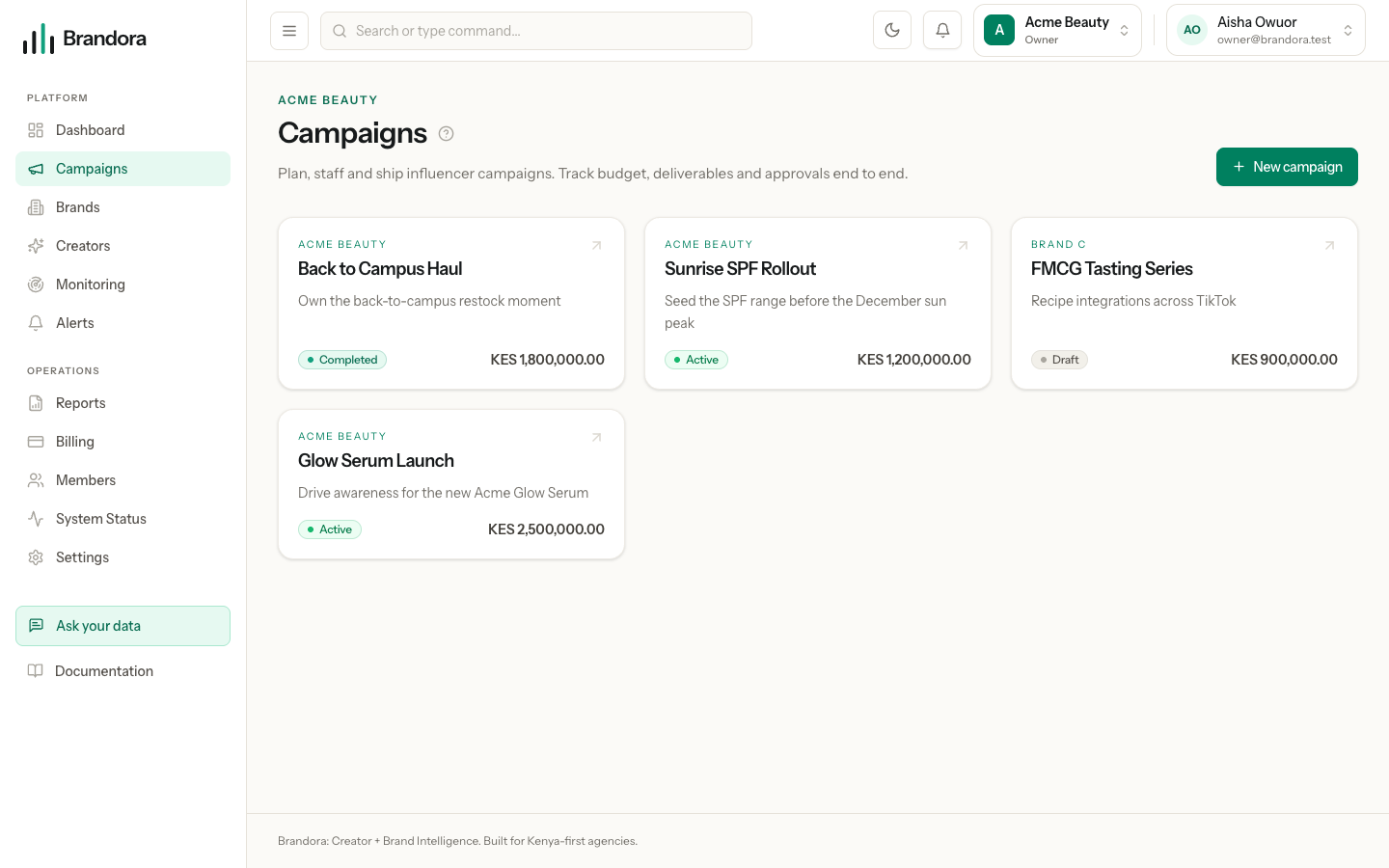
Open /campaigns. Every campaign appears as a card showing its brand, name, objective, status and budget. Clicking one opens the campaign workspace: tabs for Overview, Analytics, Creators, Deliverables, Calendar and Payments.
Any member can read campaigns. Creating, editing and deleting one requires the Manager role or higher: see Workspace, members and roles.
Creating a campaign
Select New campaign and fill in:
- Brand. Required, and it must belong to this workspace. A brand id from another organization is rejected with
BRAND_NOT_IN_ORGANIZATION. Set brands up first in Brands. - Campaign name. Required.
- Objective. Optional free text, up to 120 characters: the one-line "what is this for", not the structured brief.
- Start and end date. Optional, but the end date cannot precede the start date. These dates are load bearing: content published outside the window will not match the campaign deterministically.
- Budget and currency. Optional. Currency comes from the workspace's supported list.
Creating the campaign also creates its budget record, with approved set to the budget you typed and committed and actual at zero. It is audited as campaign.created.
Note: Every money figure is stored as an integer in minor units with an explicit currency code, so 250,000.00 KES is stored as 25000000. Nothing is held as a floating point amount.
The campaign lifecycle
A campaign carries one of four statuses.
| Status | What it means | Who can move it | Where it can go |
|---|---|---|---|
DRAFT | The default for a new campaign. Nothing agreed yet. | Manager and above | Any other status |
ACTIVE | Running. The only status that consumes your plan's active campaign allowance. | Manager and above | Any other status |
COMPLETED | The work is finished. | Manager and above | Any other status |
ARCHIVED | Kept for the record, out of the way. | Manager and above | Any other status |
The status is a label rather than a lock. The API checks that the value is one of the four but does not restrict the order of moves, and nothing else keys off it: deliverables, submissions, approvals and contracts all work the same in any status. The one real consequence is metering, where only ACTIVE campaigns count against your plan allowance. See Billing, plans and usage.
Warning: The app offers no control for changing campaign status, so a campaign created in the browser stays DRAFT until it is changed through the API. The status on the card and in the header is read only.
The brief
The brief is a single structured record per campaign, not a document. It holds:
objectivetarget_audience,target_marketskey_messagesrequired_platformsrequired_hashtags,required_mentionssuccess_kpis- an approval stamp, set by sending an explicit approve flag when saving
The required hashtags and mentions are not decoration: they are the evidence campaign matching compares content against, so what you put there decides what can later be attached to this campaign without a human doing it by hand. Read Proof of fulfillment and tracking first.
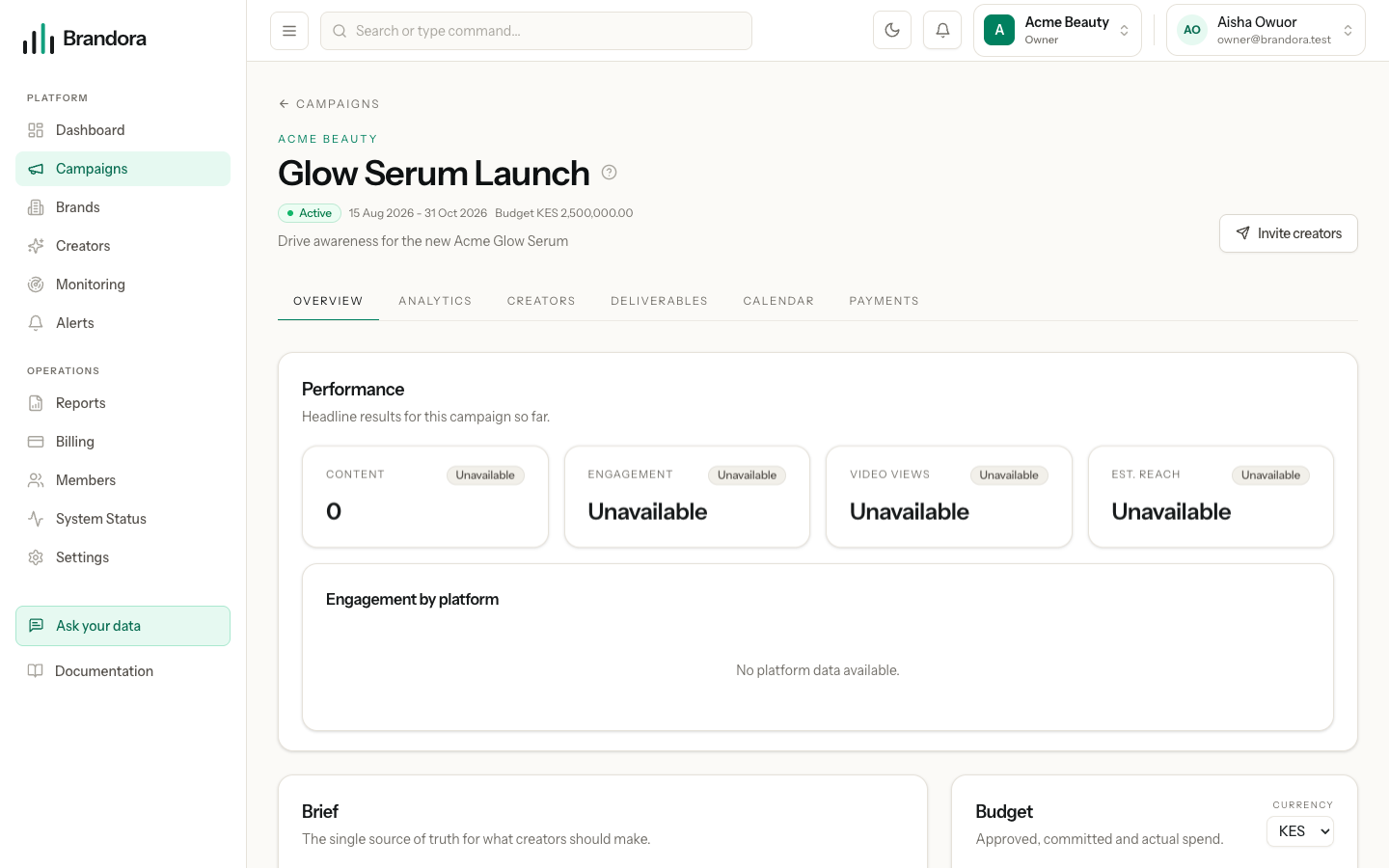
Warning: The Summary and Details boxes on the Overview tab are not part of the structured brief. The brief endpoint accepts only the fields listed above, so text typed there is discarded on save even though the panel reports success, and the stored brief fields are not displayed there either. Set the brief through the API until this is corrected.
Budget
The Overview tab shows three bars.
- Approved is what you signed off. You set it, and creating a campaign seeds it from the campaign budget.
- Committed is money tied up in assignments. It is recomputed from the current rows rather than incremented: the agreed fees of assignments that are
INVITEDorCONFIRMED, excluding any whose contract was cancelled. A declined or removed creator stops tying up budget immediately. - Actual is recognised spend: the agreed fees of deliverables that reached
VERIFIED, and a deliverable only reachesVERIFIEDon deterministic evidence. Money is never counted as spent because someone said the work was done.
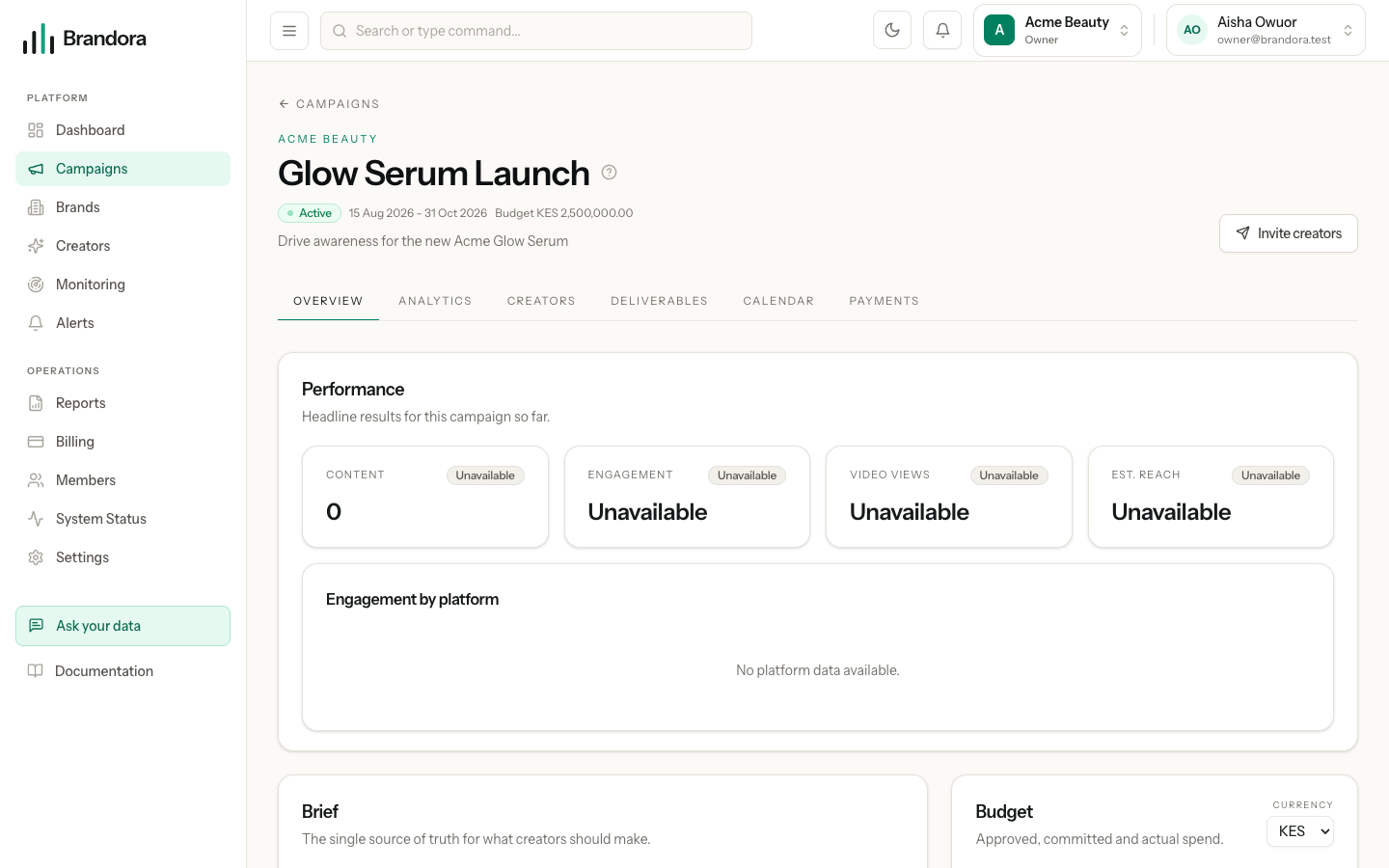
The currency selector re-denominates the campaign and its budget. It relabels the stored amounts rather than converting them, so set it before you enter figures, not after.
Assigning creators
The Creators tab is where you attach people. Pick a creator your workspace can see, give them a role (free text, such as HERO or SUPPORTING) and an agreed fee. Each creator can be assigned once; a second attempt returns CAMPAIGN_CREATOR_EXISTS.
An assignment carries its own status: INVITED, CONFIRMED, DECLINED or REMOVED. Accepting or declining a contract moves it for you, and every change recomputes committed budget in the same transaction.
The row shows a compact identity summary: display name, handle, primary platform and that platform's follower count. The follower figure is labelled with where it came from, and is marked verified only when the account behind the number is itself verified, so an imported estimate is never dressed up as a verified figure and a verified connection on one account never lends its badge to another. See Your creator roster.
You can add that creator's first deliverables in the same flow. Deliverables are scoped to an existing assignment, so the assignment is written first; one pointed at a creator who is not assigned here is rejected with DELIVERABLE_ACTOR_NOT_ON_CAMPAIGN.
Contracts
Each assignment can carry one contract. A manager authors it as rich text, as an uploaded PDF or Word document, or both, alongside two term maps: usage rights and exclusivity, each a set of key and value rows such as territory: KE.
| Status | What it means | Who can move it | Where it can go |
|---|---|---|---|
DRAFT | Being written. Terms are editable. | Manager and above | SENT, CANCELLED |
SENT | Issued and awaiting a response. Terms are still editable. | Manager and above | EXPIRED, CANCELLED; the creator can reach SIGNED or DECLINED |
SIGNED | The creator accepted. Terms are final. | Manager and above | CANCELLED |
DECLINED | The creator declined. Terms are final. | Nobody | Terminal |
EXPIRED | The response window closed. | Manager and above | DRAFT, CANCELLED |
CANCELLED | Withdrawn. Its fee stops counting toward committed. | Nobody | Terminal |
Sending a contract mints a single-use link valid for 14 days by default and can email it to the creator. Only a hash of the token is stored. The creator accepts or declines either from that link without logging in, or from their own portal, and both routes run through one service so they cannot drift: the contract moves to SIGNED or DECLINED, the assignment moves to CONFIRMED or DECLINED, the committed budget is recomputed, managers are emailed, and the token is consumed.
Note: Once a contract leaves DRAFT or SENT, any request that also edits the body, terms or document is refused with CONTRACT_NOT_EDITABLE, even when it is paired with an otherwise legal status change. That rule lives in the API, not in the button states.
The creator sees only their own side of the deal: the campaign and brand name, their role, their agreed fee, their own deliverables, the terms and the document. They never see other creators on the campaign, other fees, or anything else in your workspace. Rates, fees, internal notes and rate cards stay organization-private unless you deliberately share them.