User guide
Alerts
Create alert rules on the signals that matter, and acknowledge or resolve an alert when it fires.
An alert rule watches your monitoring and campaign data for a condition worth interrupting someone over, and records an event when it fires. This page covers what a rule is made of, which conditions actually evaluate today, how evaluation is triggered, and how an event moves from open to resolved.
What a rule is made of
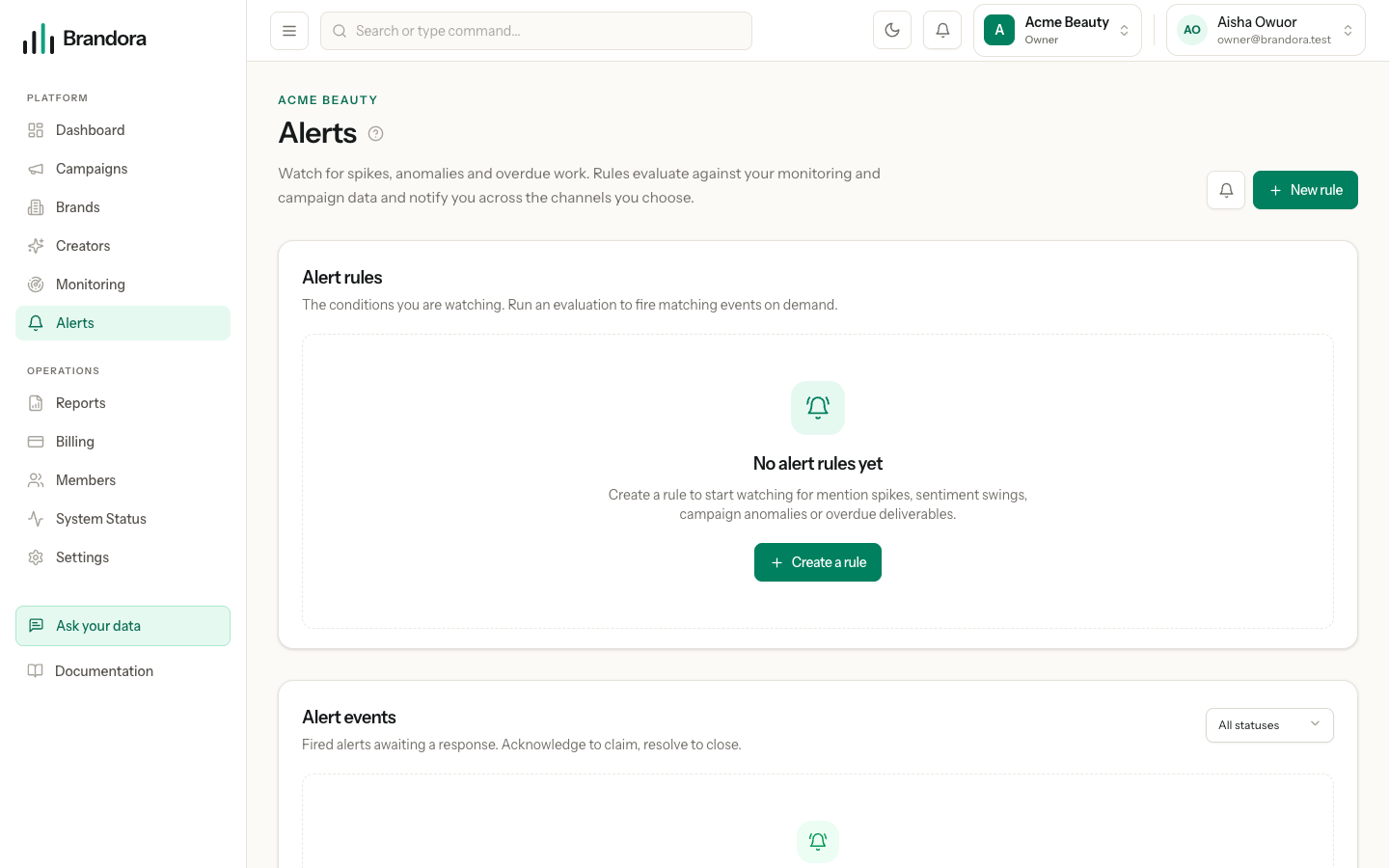
Open /alerts and choose New rule. Every rule carries five things.
- Type. What to watch for. See the table below.
- Severity. LOW, MEDIUM, HIGH or CRITICAL. This is a label: it colours the rule and the event, and rides along with the notification. It does not change whether the rule fires.
- Channels. Where the notification goes. At least one is required.
- Scope. An optional monitoring project, an optional campaign, or both. Whichever you pick must belong to the workspace you are in; picking something from another organization is refused by the server, not just hidden by the form.
- Enabled. A disabled rule is never evaluated. Toggle it from the rule row rather than deleting it.
Creating, editing, deleting and evaluating a rule needs the MANAGER role or above. Anyone from VIEWER up can see the rules and the events they have raised.
Rule types
| Type | Fires when | Needs |
|---|---|---|
| Mention spike | The project collected at least threshold mentions in the last window_hours | A monitoring project and a threshold above zero |
| High-influence mention | Any mention in the project has an estimated reach at or above threshold | A monitoring project and a threshold above zero |
| Overdue deliverable | Any deliverable in the campaign is past its due date and is not approved, published, verified or cancelled | A campaign |
| Sentiment spike | Not evaluated yet | - |
| Campaign anomaly | Not evaluated yet | - |
| Provider sync failure | Not evaluated yet | - |
The last three can be selected and saved, because the API accepts them and the rest of the product is built around them, but no evaluator implements them: evaluating such a rule always reports that nothing fired. Use one of the first three until they are wired.
Warning: The New rule form does not yet collect a threshold or a window, so a rule created there is saved with no conditions. A mention spike or high-influence rule with no threshold never fires, because zero is not a threshold anyone means. Until the form collects them, set the conditions on a saved rule through the API, PATCH /organizations/{org}/alert-rules/{id} with a conditions object such as {"window_hours": 24, "threshold": 25}. Overdue deliverable needs no conditions and works straight from the form.
Reasonable starting thresholds come from your own baseline. Look at the trend chart on the monitoring project, take a normal day's volume, and set the spike threshold somewhere above the busiest ordinary day rather than above the average one.
How evaluation runs
Evaluation is on demand. Press Evaluate on a rule and Brandora checks that rule against current data straight away, then tells you whether it fired.
Note: There is no scheduled sweep that evaluates rules in the background yet. A rule you never evaluate raises no events, however true its condition becomes. Mention collection is scheduled, alert evaluation is not.
Evaluation reads live data at the moment you press the button. A mention spike counts mentions published inside the window, counted now; an overdue deliverable check looks at due dates against the current time.
Deduplication
A firing produces one alert event, identified by a fingerprint built from the rule type, the subject and a time bucket.
| Type | Fingerprint groups by |
|---|---|
| Mention spike | The project, per calendar day |
| High-influence mention | The individual mention |
| Overdue deliverable | The individual deliverable, per calendar day |
Evaluate the same rule three times in one afternoon and a spike produces one event, not three. The second and third evaluations return the event that already exists and send no further notifications. Tomorrow is a new bucket, so a condition that is still true raises a fresh event and notifies again.
Channels
| Channel | Status |
|---|---|
| In-app | Always available. Writes to the notifications inbox for every active member of the workspace |
| Live. Sends to every active member's mailbox, queued through the notification outbox | |
| Not connected. It can be named, but nothing is sent |
WhatsApp is greyed out in the form with the reason on it, and a rule saved earlier that names a channel which has since gone dark says so on the rule row: nothing is silently dropped. Notifications are queued to the outbox rather than sent inline, and each one is deduplicated on the event fingerprint plus the recipient, so a replayed firing cannot double-send.
The bell in the workspace header is the in-app inbox. It shows the unread count, and marking an item read there is per person, so acknowledging an alert for the team is a separate action, described next.
Acknowledge and resolve
An event has exactly three states.
| State | Meaning |
|---|---|
| OPEN | It fired and nobody has picked it up |
| ACKNOWLEDGED | Somebody has taken it on. Use this to stop two people investigating the same thing |
| RESOLVED | It is dealt with |
Both transitions need the ANALYST role or above, and both are written to the audit trail with who did it and when. The events feed filters by state, so a standing view of open events is one dropdown away.
Two things are worth knowing about resolving. First, it is a record of your response, not a change to the rule: resolving today's spike does not stop tomorrow's from firing, and if you want the rule quiet, disable it. Second, the states move freely; nothing prevents you resolving an event that was never acknowledged, which is the common case for an alert that turned out to be nothing.
Each event carries the evidence behind it: the count and threshold for a spike, the mention and its estimated reach for a high-influence firing, the deliverable, campaign and due date for an overdue one. That evidence is frozen at firing time, so an event stays readable after the underlying data moves on.
A workable routine
Until scheduled evaluation lands, the honest routine is a short one. Keep few rules, evaluate them when you open the workspace in the morning and after anything you expect to move the needle, acknowledge what you are taking on so your teammates can see it, and resolve as you close things out. Rules you never evaluate are worse than no rules, because they look like cover.