User guide
Submissions and approvals
Versioned submissions, the three comment lanes and who can see each one, and how content moves to approved.
Approvals are where a deliverable stops being a plan and becomes a piece of content someone signed off. Every resubmission is a new immutable version, every comment lives in one of three visibility lanes, and who sees which lane is decided by the API rather than by what the screen chooses to draw.
Starting a submission
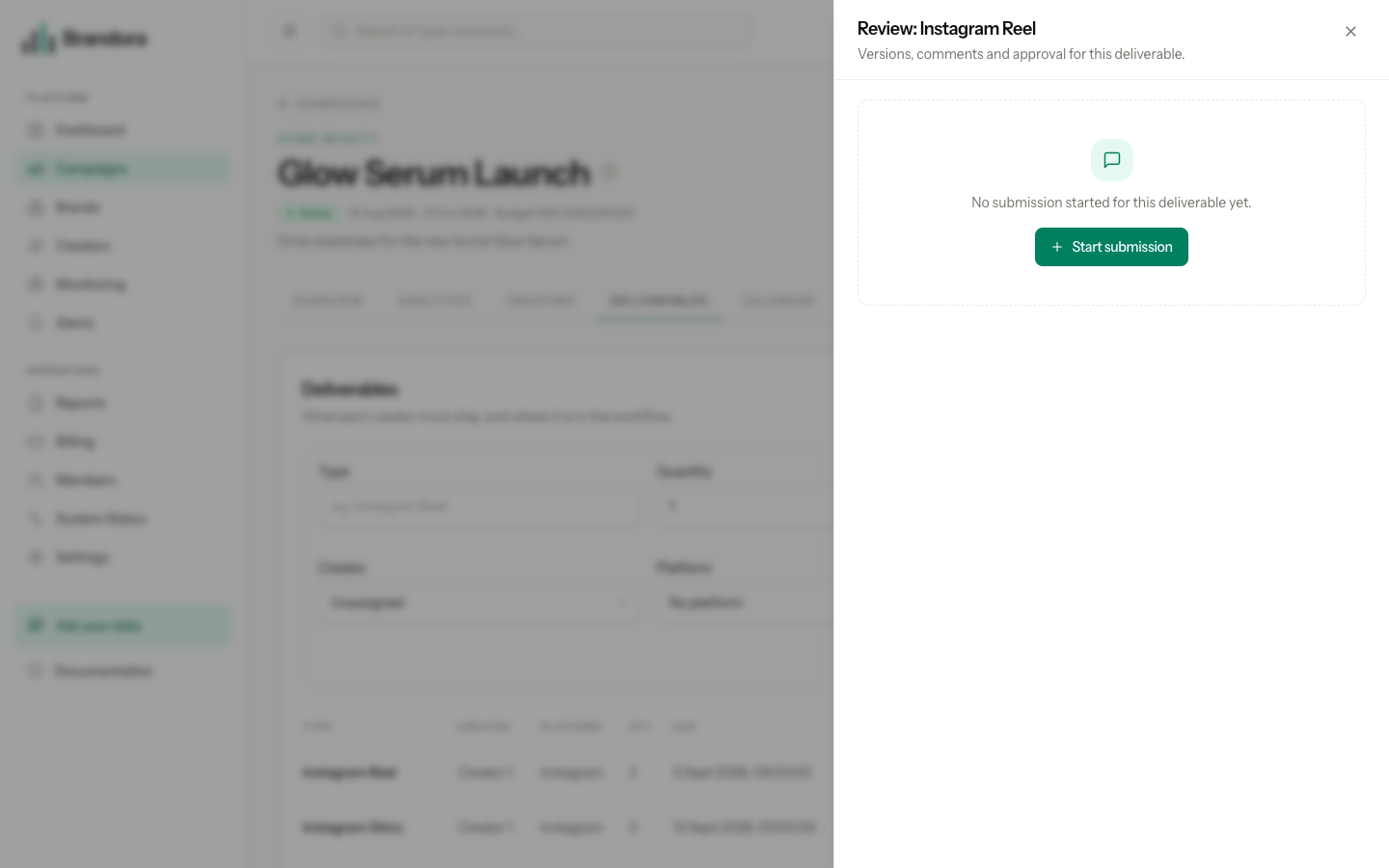
Open a campaign, go to the Deliverables tab and select Review on a row. The drawer that opens is the review surface for that deliverable: its version history, its comment lanes, its status buttons and its client review link.
If no submission exists yet, the drawer offers Start submission, which creates one in DRAFT. Creating a submission requires the Manager role or above.
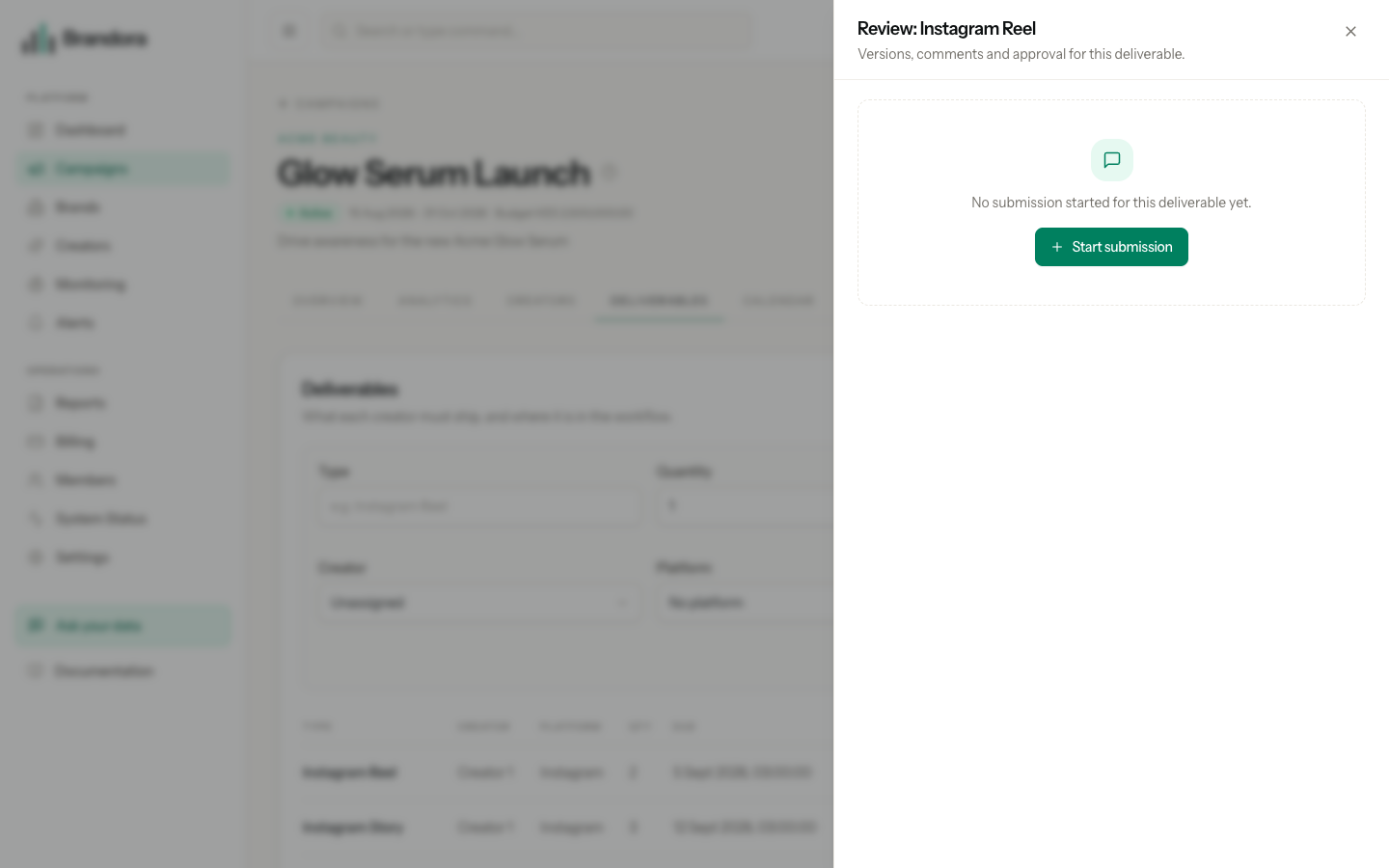
Warning: A deliverable can hold more than one submission, and the row does not yet carry a pointer back to the one you started. Reopening the drawer shows the empty state again, and pressing Start submission twice creates a second submission rather than reopening the first. Keep the id of the one you started if you need to return to it.
Versions are immutable
A submission is a container. The content lives in versions, and adding one is how content enters the workflow.
Each new version is numbered one higher than the last, becomes the submission's current version, and moves the submission to SUBMITTED with a submitted timestamp. Earlier versions are never edited, replaced or deleted: version one still holds exactly the caption, media and creator notes it was created with, so a dispute about what was approved has an answer. The drawer shows the whole timeline, newest first.
A version carries a caption of up to 5,000 characters, a list of attached media assets, and optional creator notes. Adding one requires the Contributor role or above, or that you are the assigned creator on the deliverable.
Warning: The review drawer has no upload form yet, so versions are created through the API rather than in the browser. Until that lands, the version timeline is read only in the app.
Adding a version always sets the submission back to SUBMITTED, including on a submission that had already been approved. That is the resubmission path working as intended: new content is unapproved content.
The approval state machine
| State | What it means | Who can move it | Where it can go |
|---|---|---|---|
DRAFT | The submission exists, no content yet. | Contributor and above, or the assigned creator | SUBMITTED, which adding the first version does for you |
SUBMITTED | A version is waiting to be looked at. | Contributor and above, or the assigned creator | IN_REVIEW |
IN_REVIEW | Someone is reviewing the current version. | Contributor and above, or the assigned creator, for changes; Manager and above, or a guest link that permits approval, for approval | CHANGES_REQUESTED, APPROVED |
CHANGES_REQUESTED | Sent back to the creator. | Contributor and above, or the assigned creator | SUBMITTED, which adding a new version does for you |
APPROVED | Signed off. The approval timestamp is stamped. | Contributor and above, or the assigned creator | POSTED |
POSTED | Live on the platform. | Contributor and above, or the assigned creator | VERIFIED |
VERIFIED | Confirmed live. | Nobody. It is terminal. | Nowhere |
Any other move is refused with INVALID_TRANSITION and a 409, and nothing is written. Two consequences are worth internalising:
- You cannot approve straight from
SUBMITTED. Move toIN_REVIEWfirst. This is what makes "who was reviewing this" answerable later. - You cannot approve out of
CHANGES_REQUESTED. The route on is back toSUBMITTEDand through review again, and adding a new version is what does that, so the reviewer sees revised content rather than the version they rejected.
Warning: The drawer currently offers Approve and Request changes on a submission that is only SUBMITTED. Both are refused by the API with INVALID_TRANSITION. Press Start review first, then approve.
Approving is the one transition that needs Manager rights. Everything else is open to Contributors and to the assigned creator, where the assigned creator means the person who has claimed the creator profile attached to the deliverable.
The three comment lanes
Every comment is written to exactly one lane, and the lane decides who can ever read it.
| Lane | Who can read it | Who can write it |
|---|---|---|
INTERNAL | Every member of the workspace, from Viewer upward | Every member of the workspace |
CREATOR | Every member of the workspace, and the assigned creator | Every member, and the assigned creator |
CLIENT | Every member, the assigned creator, and a guest holding a review link | Every member, the assigned creator, and a guest whose link permits commenting |
The rule that matters is where it is enforced. When you read a submission or its comments, the server first works out which lanes you may see and then queries only those lanes, so comments you may not read are never in the response at all. When you post, the target lane is checked against the lanes you may write and a bad one is refused with LANE_FORBIDDEN. None of this depends on the interface hiding a tab.
For a client on a guest link, that means the internal lane is not merely off screen. The public review endpoint caps a guest at the client lane before it looks at anything the link claims, so there is no URL, no request and no widened permission that returns an internal comment to them. The same holds for the creator lane: a guest never sees it either.
Note: The assigned creator is scoped to the creator and client lanes even when that person also holds a membership in your workspace. On their own deliverable they wear their creator hat, so they never read or write the internal lane. That precedence is deliberate and is checked before the membership check.
Warning: Internal means agency-only, not manager-only. Every member of the workspace, including a Viewer, can read and write all three lanes on every submission in the workspace. If a comment must not be seen by a junior member of your team, the internal lane is not the place for it.
One trap remains in the drawer: it renders a lane tab only for lanes that already hold a comment, falling back to the internal tab. The first creator or client comment therefore has to be posted through the API before the lane appears in the browser. The lanes work; only the tab strip is derived from the comments present.
What gets sent, and to whom
Approval events go out through the notification outbox rather than being sent inline, so a slow mail provider never blocks a review action and a retry never double-sends.
- A new version notifies every Manager and above in the workspace.
- An approval notifies the assigned creator. An approval made through a guest link also notifies the managers.
- Requesting changes notifies the assigned creator.
- A guest comment notifies the managers.
Email is the only live channel today. Messages are deduplicated on the submission, the event, the version and the recipient, so resubmitting or re-approving the same version never sends twice.
What is recorded
The audit trail captures submission.created, submission.version_created with its version number, submission.transitioned with the target status, submission.comment_created with its lane, and the guest events covered in Client guest review. Workspace administrators can read that trail through the audit endpoint.
The configurable approval chain described in the product plan, where a campaign chooses between no approval, account manager only, or account manager then client, is not built. Today every submission follows the single machine above, and client sign-off happens through a guest review link.