Creator guide
Creator FAQ
Ownership, privacy, deletion, payments and the other questions creators ask most often.
The questions creators ask most often, answered by what the product actually does today rather than what it is meant to do eventually. Where something does not exist yet, this page says so.
Ownership and control
Who owns the connection to my Instagram?
You do. A connection belongs to your creator identity, and it records that you were the person who signed in at Instagram and approved it. No workspace owns it, no workspace receives the token behind it, and no workspace can transfer it. An agency can help you set one up, and it is still yours afterwards.
What happens if an agency invites me?
You get a link naming who is asking and about what. Accepting tells them you are interested, and that is the entire effect: it connects no accounts, shares no figures and claims no profile. If they built a profile for you, accepting gives you a one-time pointer so that when you create your account and verify an account, you claim their profile instead of ending up with a duplicate.
Can an agency claim my profile before I do?
An agency member can claim a roster entry, which is bookkeeping inside their workspace. It gives them nothing over your accounts. When you verify the account yourself and claim, ownership moves to you and the claim is recorded as coming from the creator. After that, no one else can claim it. A profile another creator has already claimed with their own verified account can never be taken over.
Can I run an agency and be a creator?
Yes. The two are separate hats on the same account, not two account types, so you can hold both and choose which portal you land in. Turning the creator hat off is refused while a connection is still collecting or a workspace still has access, and it deletes nothing when it does go through.
Privacy and deletion
Can I delete my data?
You can delete any connection, which removes the connection and its encrypted token, every post and figure collected through it, the account record behind them, and every workspace authorization that pointed at it. It cannot be undone.
What it does not delete is a workspace's own records of working with you: roster entry, notes, campaign assignments, contracts and payment records. Those are their business records, and a disconnection is not a reason to destroy a customer's history.
There is no self-serve button today that deletes your whole Brandora account. If that is what you want, write to privacy@brandora.io (opens in a new tab). A data deletion request raised through Instagram also reaches us, and returns a confirmation code and a status page you can check.
How do I stop everything right now?
Four steps, in this order:
- Revoke or delete each connection at /creator/connections.
- Revoke every workspace on /creator/authorizations.
- Turn off List my public media kit on the portal overview.
- Remove Brandora in Instagram, under Settings, then Website permissions.
The fourth step matters: Instagram Login gives an app no way to withdraw its own access, so only you can cut it off at the source. Instagram tells us when you do, and the connection is marked revoked here too.
Does anyone see my access token or my password?
No. Your password is never given to Brandora at all, because you type it at Instagram. The token Instagram issues is encrypted before it is stored, is excluded from every API response, is never written to a log, and is decrypted in memory only for the moment it takes to make a request. Support cannot read it, and neither can an agency.
Is my email or phone number ever public?
No. The public media kit has no field for either, so there is nothing to expose. An invitation page deliberately does not even show the address the invitation was sent to.
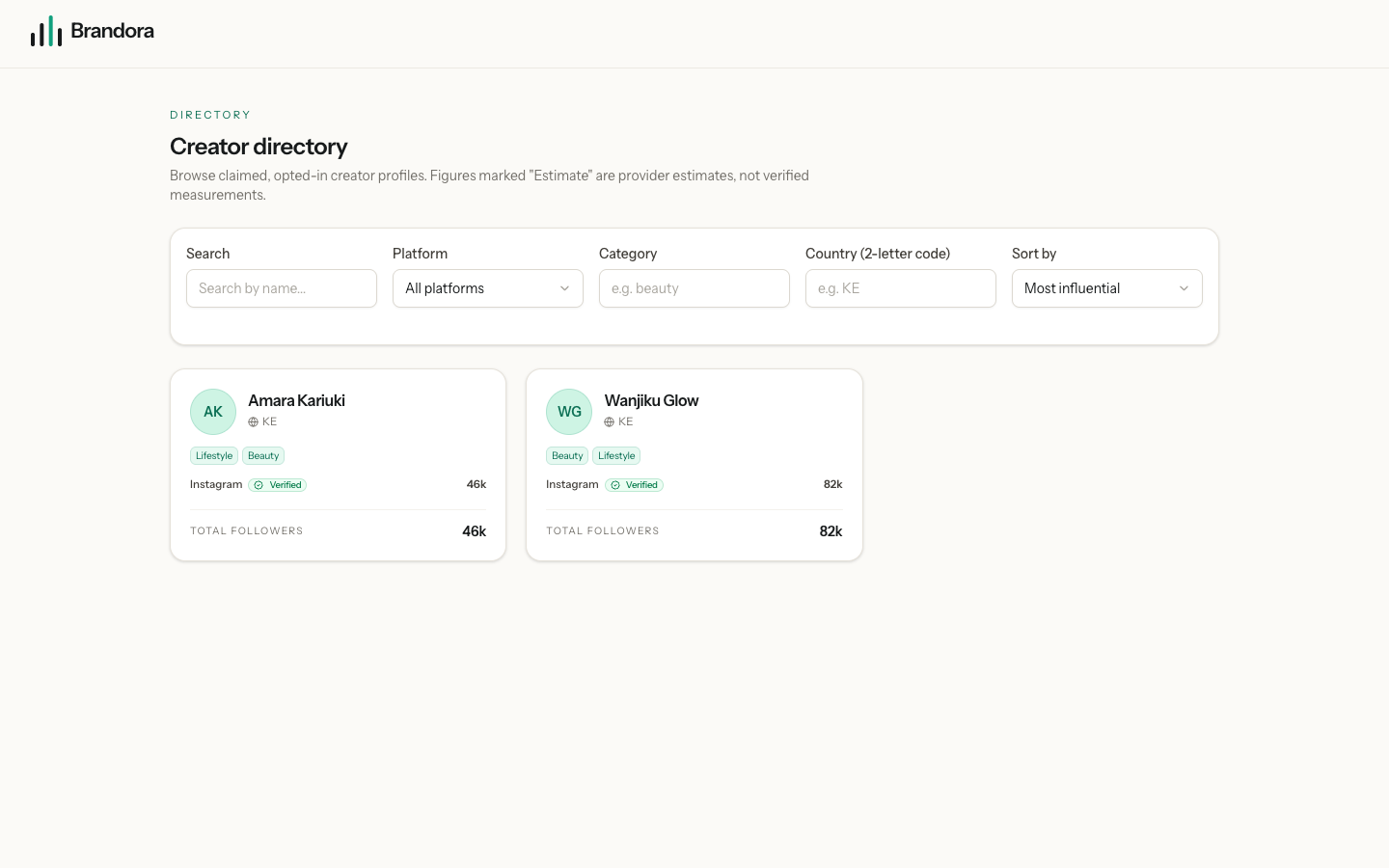
If I leave the public directory, am I invisible?
Not entirely, and this is worth knowing. Leaving the directory removes your public web page immediately. Workspaces signed in to Brandora can still find a self-created profile through creator discovery and see your name, country, categories, handles and follower counts. Your posts, per-post figures and audience split still need an authorization. See Who can see your data.
Figures and platforms
Why does my media kit say Sample?
That environment has no Instagram app configured, so a demo provider produced the figures. Everything it touches is labelled a sample, on your connections, on your media kit and on the public page, so a fabricated number can never be mistaken for a measured one.
Why is my audience split empty?
Instagram withholds follower demographics for accounts below its own follower threshold, and publishes no follower language breakdown at all on this API. Brandora leaves those blank rather than filling them with something that looks similar. The rest of your figures still sync normally.
Why do my numbers only refresh once a day?
Connections are re-read on a daily pass, roughly a day after the last successful read. If you want them sooner, press Sync now on the connections page. Pressing it twice costs one request to Instagram rather than two, and the new figures appear once the job finishes.
Can Brandora post, comment or send messages as me?
No. Brandora asks Instagram only for read permissions, and never for the permissions that publish, manage comments or handle messages. Anything beyond reading would be a separate capability with its own consent, and it is not part of Creator Connect.
Working with brands
Do I get paid through Brandora?
No. Brandora records the agreed fee and lets the brand track what it owes and calculate withholding tax for its own filing. Money moves between you and the brand however you agreed. If you need a statement of what has been paid, ask them.
Can I see the campaign brief and the other creators on it?
No. Your portal shows your own assignment: the contract terms and the deliverables tied to your role. The brief, the other creators, the internal comments and the workspace's own numbers stay inside their workspace.